"I took an order in the car again. Excel is hard to open, even harder to edit."
For field sales, Excel is always awkward.
Files are rarely the latest, and input gets pushed to later.
That delay leads to missed orders and messy stock numbers.
This is episode 1 of a series following Jaehun, a sales rep who spends most of his day on the road.
1. Excel only works well in the office
Jaehun visits multiple clients every day.
He used to jot down orders and move them into Excel at night.
- Hard to find the right file on mobile
- Easy to mis-tap cells on a small screen
- Constant worry about "Which file is the latest?"
The biggest issue: he couldn't record orders on the spot.
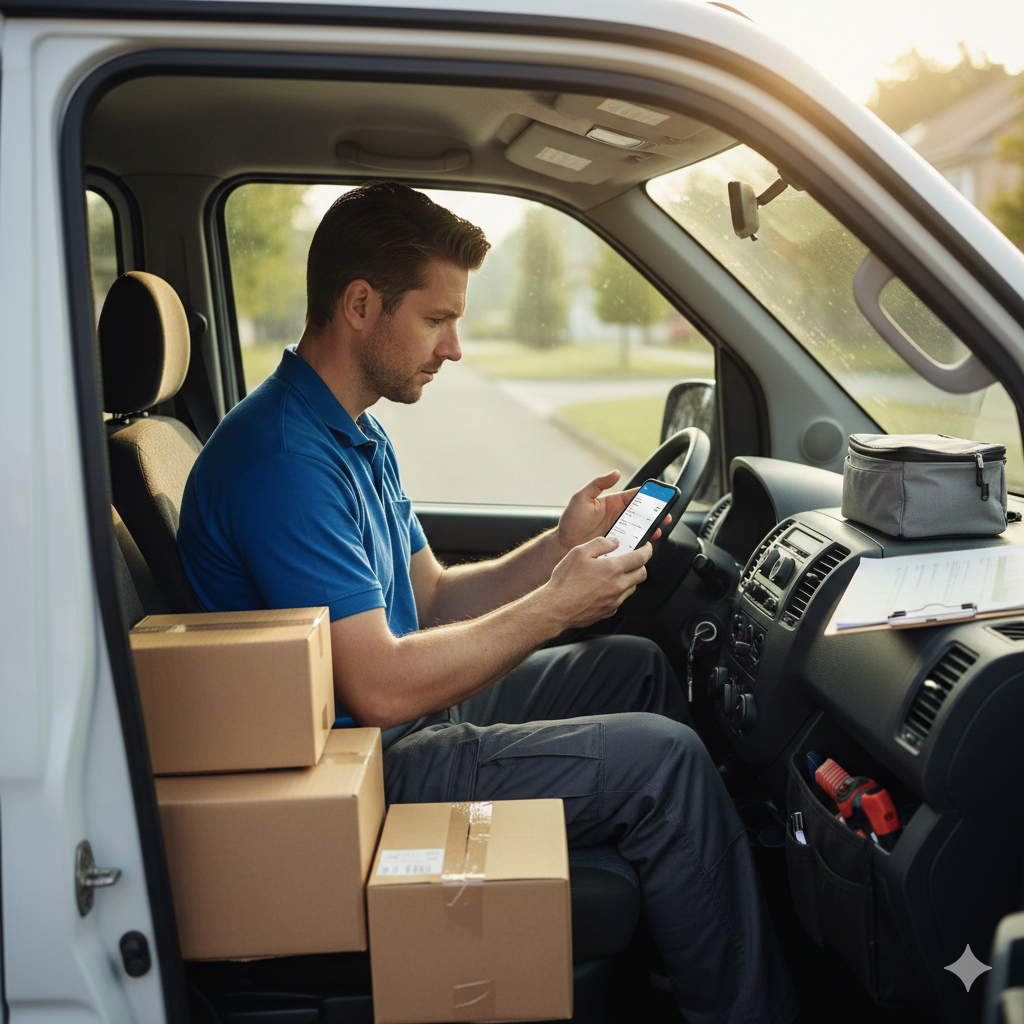 When orders come in on the move, recording always gets delayed.
2. The day changed with “record now, share now”
The biggest shift with SalesDocks was timing.
Orders were logged immediately on mobile,
and shared right away with the office and warehouse.
No complex spreadsheet UI.
Just a clean, focused form,
so a few taps in the car were enough.
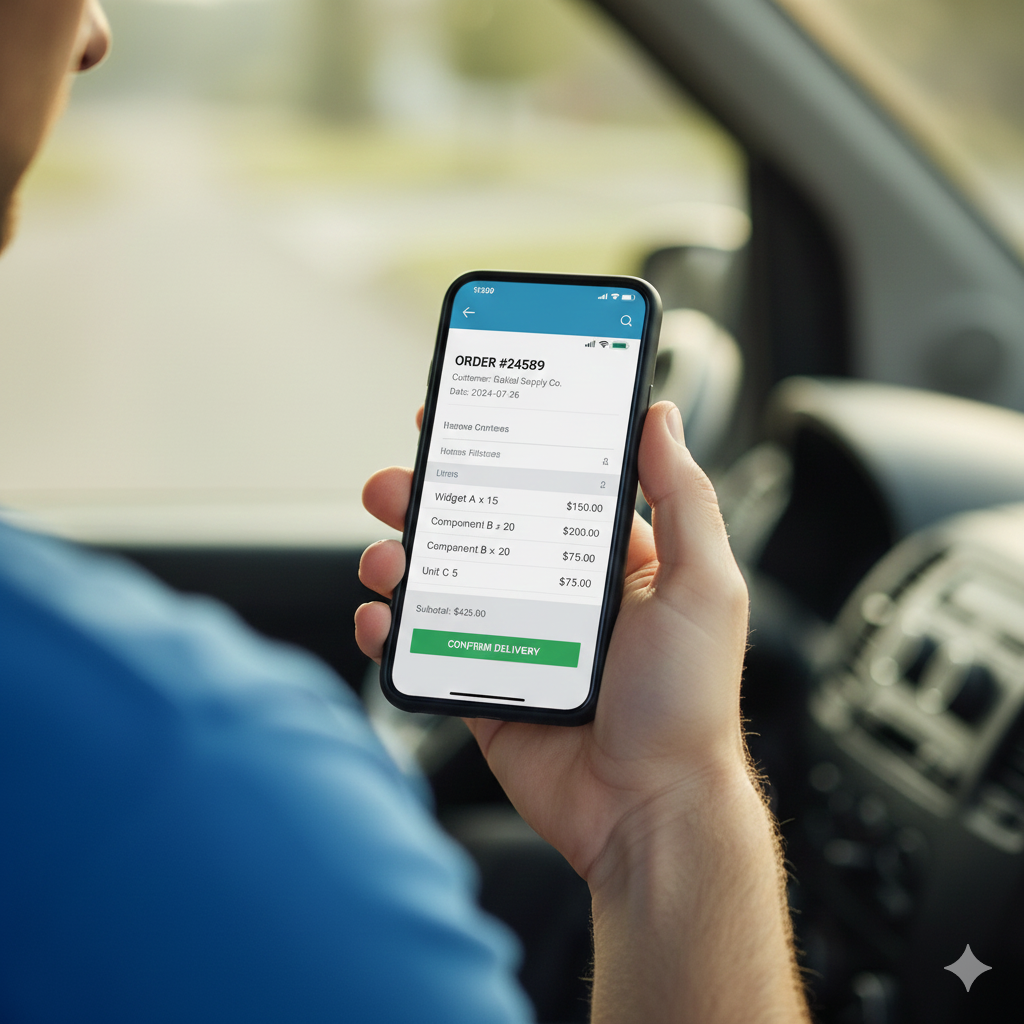 Capture only what you need, fast.
2-1. A quick guide you can follow today
If you work on the move, try this flow.
1) Create a new order on mobile the moment you receive it
2) Add notes or requests to avoid missing details
3) Make sure the office/warehouse can see it immediately
4) Before closing the day, review only today's orders
3. Small wins made the day lighter
He no longer had to re-organize Excel at night.
Orders, stock, and balances lived in one place.
- Orders are done right after each visit
- The team stays on the same data
- Stock/balance status is always visible
Fewer mistakes, faster closing.
 Office and field teams stay in sync.
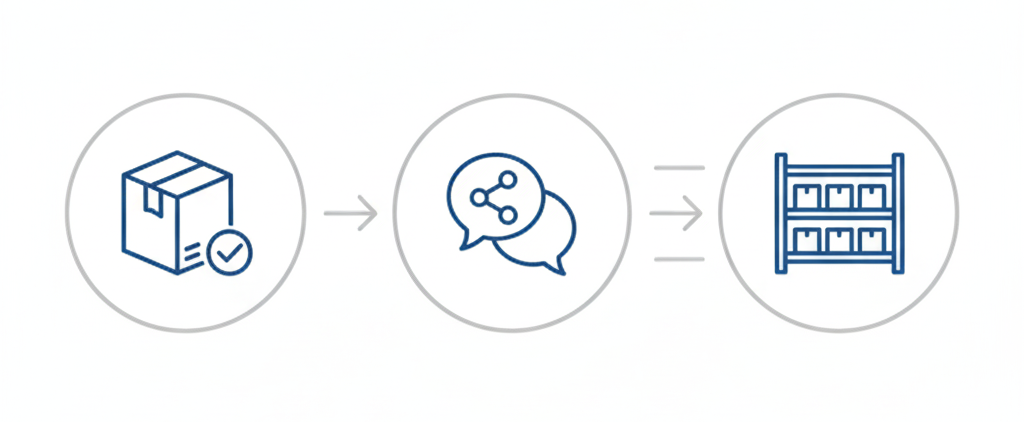 Order → share → stock update, simplified.
This is a great fit if you...
- Work on the move and need mobile input
- Find Excel UI heavy or frustrating
- Need real-time sharing with your team
Next up: a shop owner who kept fighting stock mismatches.
 Wrap up the day without late-night cleanup.
Get started now.
- iOS app: https://salesdocks.app/download/ios
- Android app: https://salesdocks.app/download/android
- Web login: https://salesdocks.app/auth/login