“Not perfect bookkeeping, just a less confusing way to begin”
After installing the app, it can feel a bit overwhelming.
Sales, purchases, customers, inventory… just the words can make numbers jump around in your head.
It’s okay. This app isn’t built for doing everything perfectly on day one.
Today, do just one thing. “Record one sale for today.”
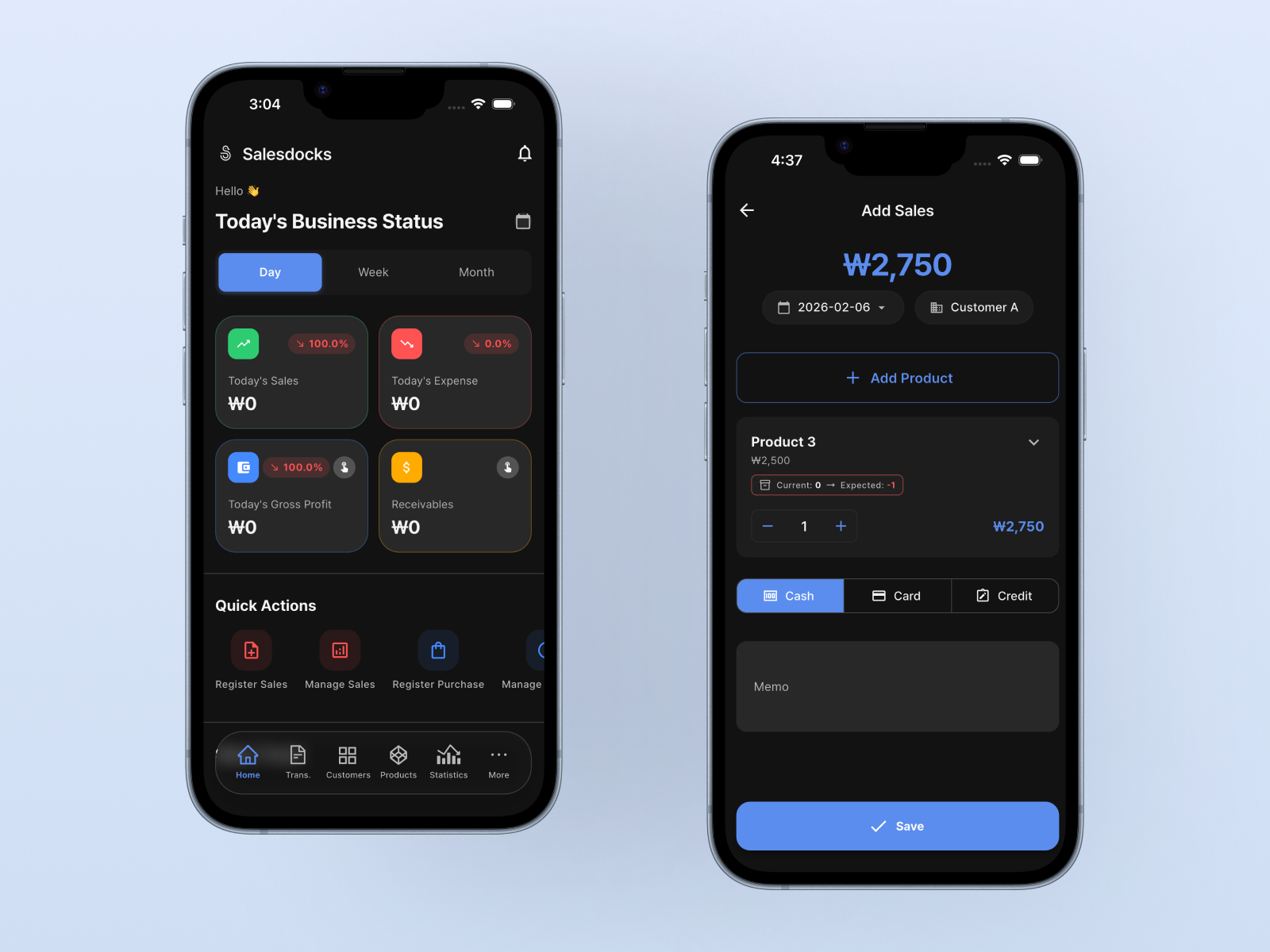
1️⃣ Don’t try to do bookkeeping perfectly
If you try to organize everything from the start, it won’t last.
A lot of owners begin like this. “I’ll clean it all up later when I have time…”
And that “later” rarely shows up.
The goal of this app is.
Perfect ledgers ❌
Forgotten ledgers ❌
Ledgers that show what’s happening right now ⭕
That’s the goal.
2️⃣ Add just one sale today
Open the app and tap [Add Sale].
No need to overthink it.
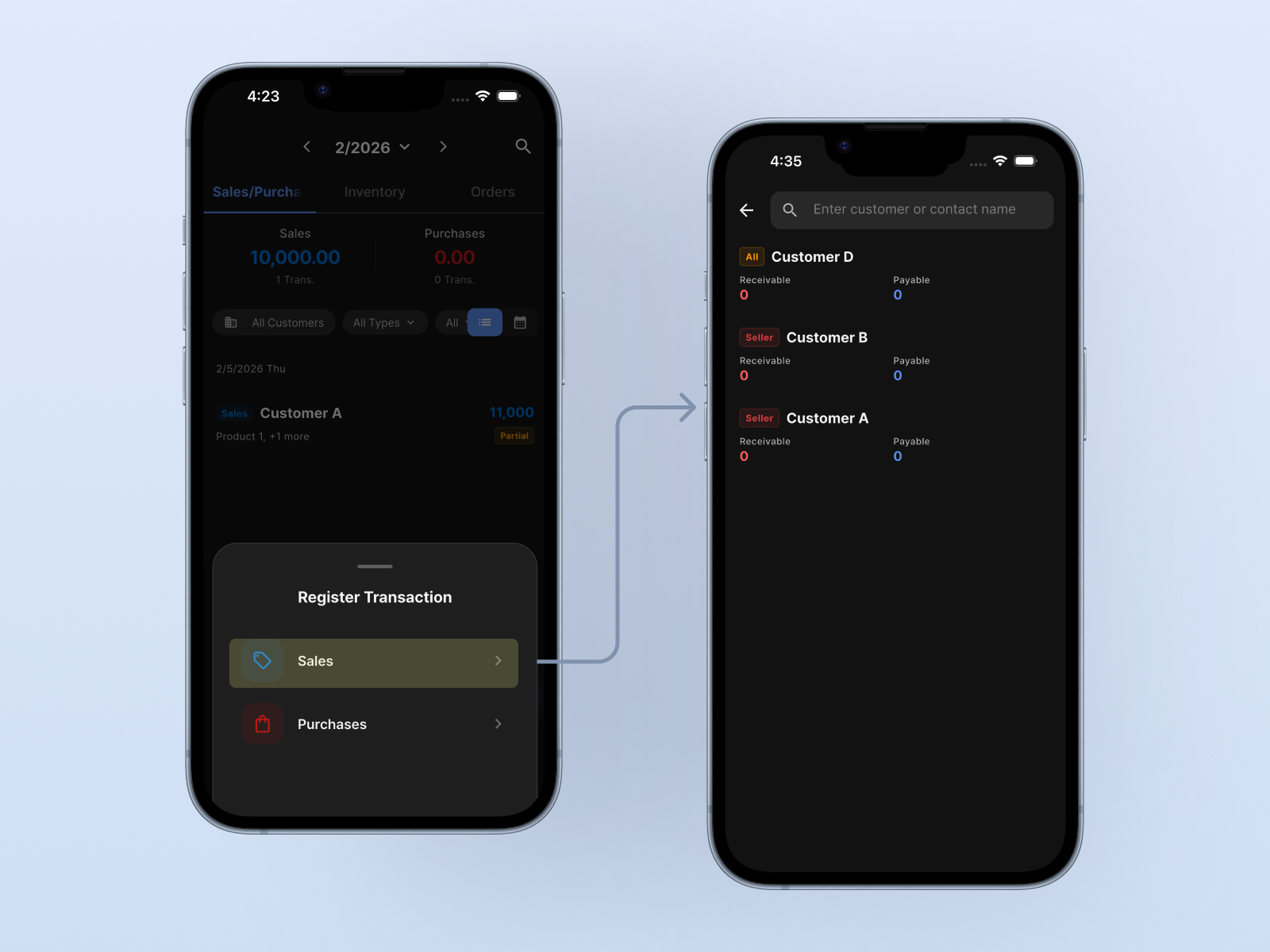
- Select customer
→ It doesn’t have to be exact. “Cash customer” is fine - Select products
→ Choose the items that were sold. - Amount
→ Leave the default. The total is calculated automatically from unit prices.
Then save. That’s it.
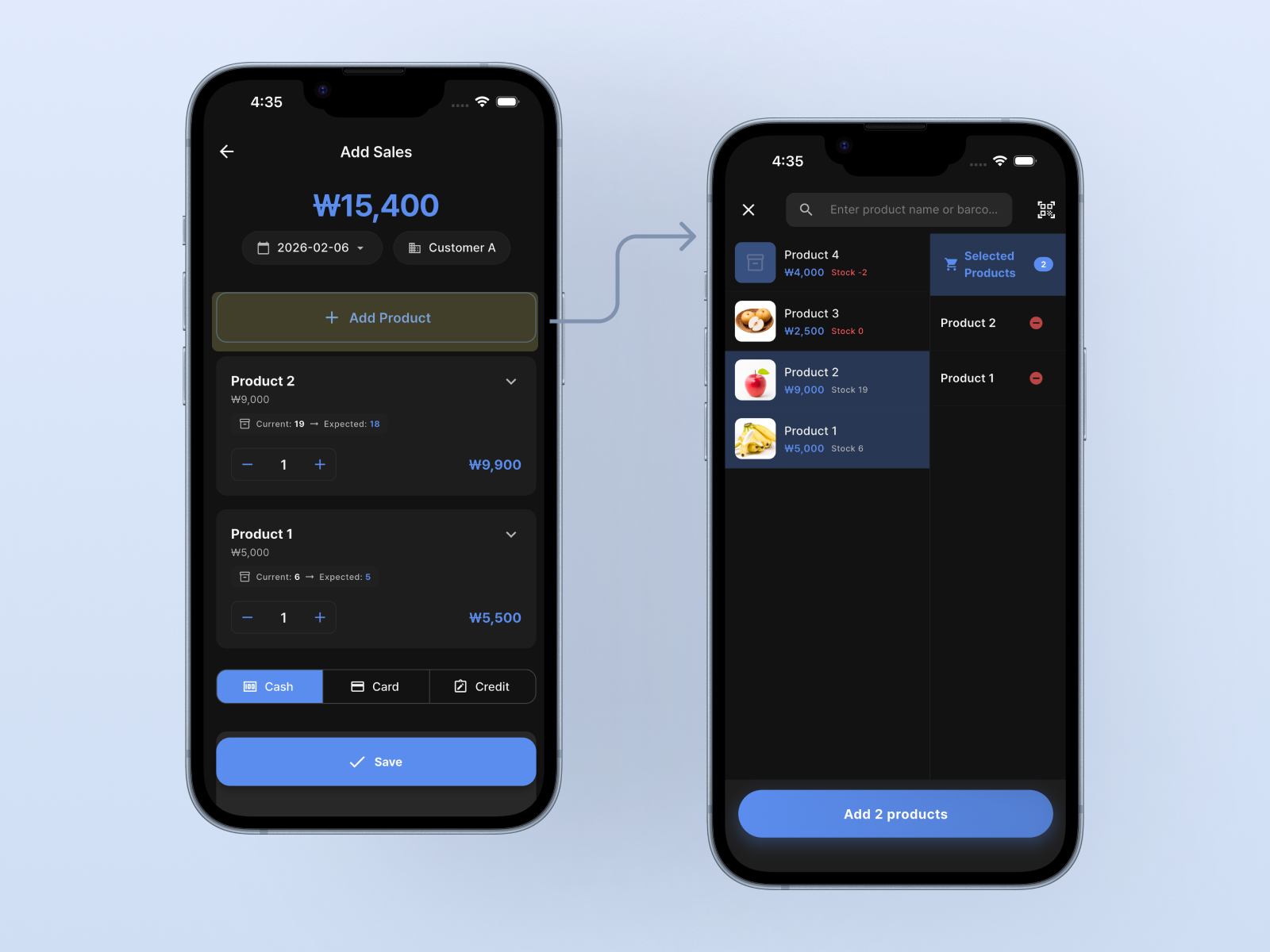
🎉 From this moment, the app is already doing its job.
3️⃣ “How does this help?” is a fair question
Right. One sale won’t magically fix your business.
But here’s the key.
From now on, records start replacing memory.
Those records
- automatically group by date
- organize by customer
- and later connect to profit and loss
You don’t have to calculate. You don’t have to memorize.
4️⃣ Tomorrow, add just one purchase
The next day, whether it’s beans, ingredients, or shipping, this time tap [Add Purchase] and record just one, the same way.
One important point.
👉 Record sales and purchases with the same standard
This app is designed so sales and purchases don’t scatter into separate buckets, but move in the same flow from the
start.
That’s why later, when you ask “Why is there no money left?” this app can answer with numbers.
5️⃣ Don’t check the stats yet
For the first few days, it’s fine to ignore the stats screen. This is on purpose.
This app starts speaking only after data builds up.
3 days, 7 days, 2 weeks
Around then, you’ll think:
“Wait… I’m spending more than I thought.”
That’s when it really begins.
6️⃣ Use the app like this
For the first month, this is enough.
- One sale per day
- One purchase if you have it
- Inventory, stats, analysis later
Bookkeeping isn’t study. It’s a habit.
This app doesn’t aim to turn you into an accountant. Instead, we want you to be “the person who knows the state of the business today.”
One last thing to remember
People who use this app well share one thing.
👉 “They didn’t try to be perfect from day one”
One sale today. That’s enough.
Coming up next
- Why money doesn’t stay in the bank even with sales
- Why people quit Excel bookkeeping
- How ledgers get easier as customers grow
- What to check before meeting a tax accountant